Why Retailers Are a Favored Phishing Target
Retail-themed phishing works because shopping emails are genuinely high-volume and expected. Most online shoppers receive multiple order confirmations, shipping updates, and promotional messages each week, which means a convincing fake blends naturally into an already busy inbox.
Attackers also exploit timing. During peak shopping periods, consumers are more likely to have recent orders they're tracking, making a fraudulent "Your shipment is delayed" message feel plausible. The goal is almost always one of three things: harvesting login credentials, capturing payment information, or installing malware on the recipient's device.
Understanding how these attacks are constructed is the first step toward resisting them. Our broader guide on how online shopping scams are structured covers the wider ecosystem these phishing attempts feed into.
What you will need
How to Spot a Phishing Email Step by Step
The six steps below walk you through a systematic check you can run on any suspicious retail email. You do not need technical expertise - each check requires only the tools already built into your email client and browser.
Email client with header inspection
Lets you view the full sender address and raw message headers to verify the true origin of an email.
Retailer's official website (typed directly into browser)
Used to cross-check order status, account activity, and promotions without relying on email links.
Password manager
Autofills credentials only on legitimate domains, providing a practical safety net against spoofed login pages.
Inspect the actual sender address - not just the display name
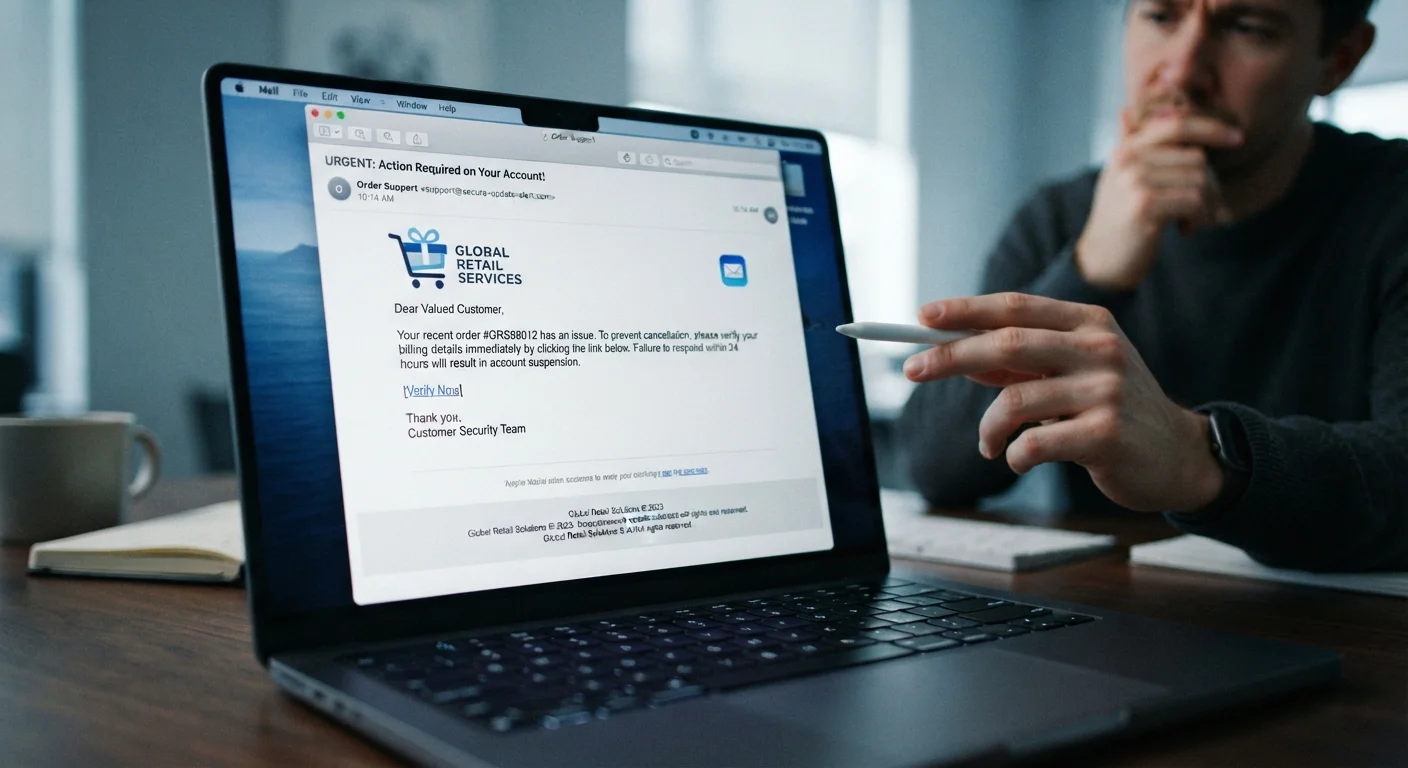
Open the email and expand the sender field to reveal the full address. A legitimate email from a major retailer will use that retailer's own domain (e.g., @amazon.com or @target.com). Watch for subtle misspellings such as @amazon-support.net or extra subdomains like @mail.amazon.orders-help.com - the rightmost part of the domain before the first slash is what matters.
Hover over links before clicking anything
Move your cursor over any link in the email without clicking. Your browser or email client will display the destination URL in a status bar or tooltip. Confirm the domain matches the retailer's known web address exactly. Any redirect through a URL shortener or an unrelated domain is a strong signal the email is fraudulent.
Check the email for generic or pressuring language
Phishing messages frequently use vague greetings like "Dear Customer" instead of your name, and they often inject urgency - "Your account will be suspended in 24 hours" or "Claim your reward before it expires." Authentic transactional emails from retailers typically include your name, a specific order number, and itemized details you would recognize from an actual purchase.
Verify the order or promotion directly on the retailer's site
Open a new browser tab and type the retailer's web address manually - do not copy-paste from the email. Navigate to your order history or account dashboard and check whether the order, shipment update, or offer actually appears there. If it does not, the email is almost certainly not from the retailer.
Examine attachments and embedded images critically
Legitimate order confirmations rarely require you to open an attachment. Be especially cautious with PDFs or Word documents claiming to be invoices or receipts - these are a common delivery mechanism for malware. Embedded images that fail to load may indicate the email was sent from an unauthorized server that the retailer's image-hosting infrastructure rejected.
Report and delete confirmed phishing attempts
Most email clients include a "Report phishing" or "Mark as spam" option. Reporting phishing emails helps your provider improve filters that protect other users. Delete the email after reporting rather than leaving it in your inbox, and do not forward it to friends or family without removing any live links first.
Use Your Account Dashboard as Ground Truth
Every major retailer maintains an order history page within your account. If you receive an order or shipping email and feel uncertain, log in directly through your browser and check the dashboard. If the order doesn't appear there, the email almost certainly didn't come from the retailer.
Never Enter Credentials Through an Email Link
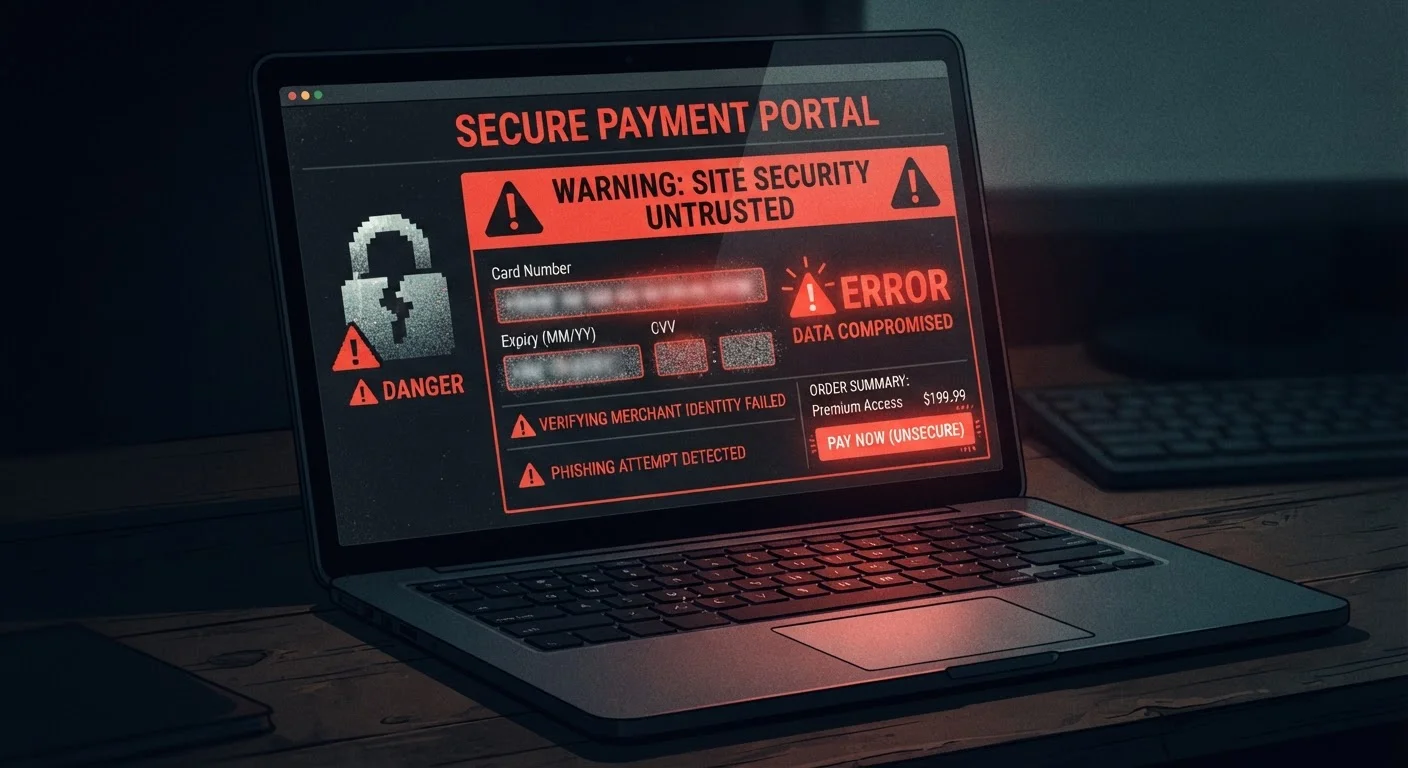
If an email prompts you to log in, reset a password, or confirm payment information, go directly to the retailer's website by typing the address into your browser instead. Phishing pages are engineered to look identical to real login screens. Entering credentials on one can hand criminals full access to your account - and any saved payment methods attached to it.
What Happens After Credentials Are Stolen
If a phishing email successfully captures your login details, the consequences extend beyond a single compromised session. Attackers frequently use stolen credentials to attempt access across multiple platforms - a practice called credential stuffing - because many people reuse passwords. Saved payment methods, stored addresses, and loyalty point balances are all at risk.
Taking steps to lock down your retail accounts after any suspected phishing exposure is critical. Our guide on protecting your online shopping accounts from takeover covers practical measures to reduce that exposure.
Similarly, if an email link leads you to a site that looks like a retailer's checkout page, the page itself may be a clone. Familiar-looking websites can still be fraudulent - knowing the subtle tells that separate real storefronts from imitations adds another layer of protection.
Display Names Are Easy to Fake
An email can show "Amazon Customer Service" or "Target Orders" as the sender name while the actual sending address is a completely unrelated domain. Always expand the sender field to inspect the full email address, not just the friendly display name. This is one of the most commonly overlooked phishing tells.