Why Retail Accounts Are a Target
Online shopping accounts are attractive to fraudsters for a straightforward reason: they often store everything needed to complete a purchase - saved credit cards, a billing address, and a shipping destination. An attacker who gains access doesn't need to steal your card number separately; the account hands them a ready-to-use checkout.
Account takeover typically happens through credential stuffing (testing leaked username-and-password pairs from data breaches elsewhere), phishing messages dressed as order confirmations or shipping alerts, or malware that captures login keystrokes. Understanding these entry points helps you close them systematically. For a broader look at how fraud schemes are structured, see The Anatomy of an Online Shopping Scam.
Use a unique, complex password for every retail account you hold.
Credential stuffing attacks work because people reuse the same passwords across sites. When one site is breached, attackers automatically test those credentials on major retailers. A unique password for each account means a breach elsewhere cannot unlock your shopping accounts.
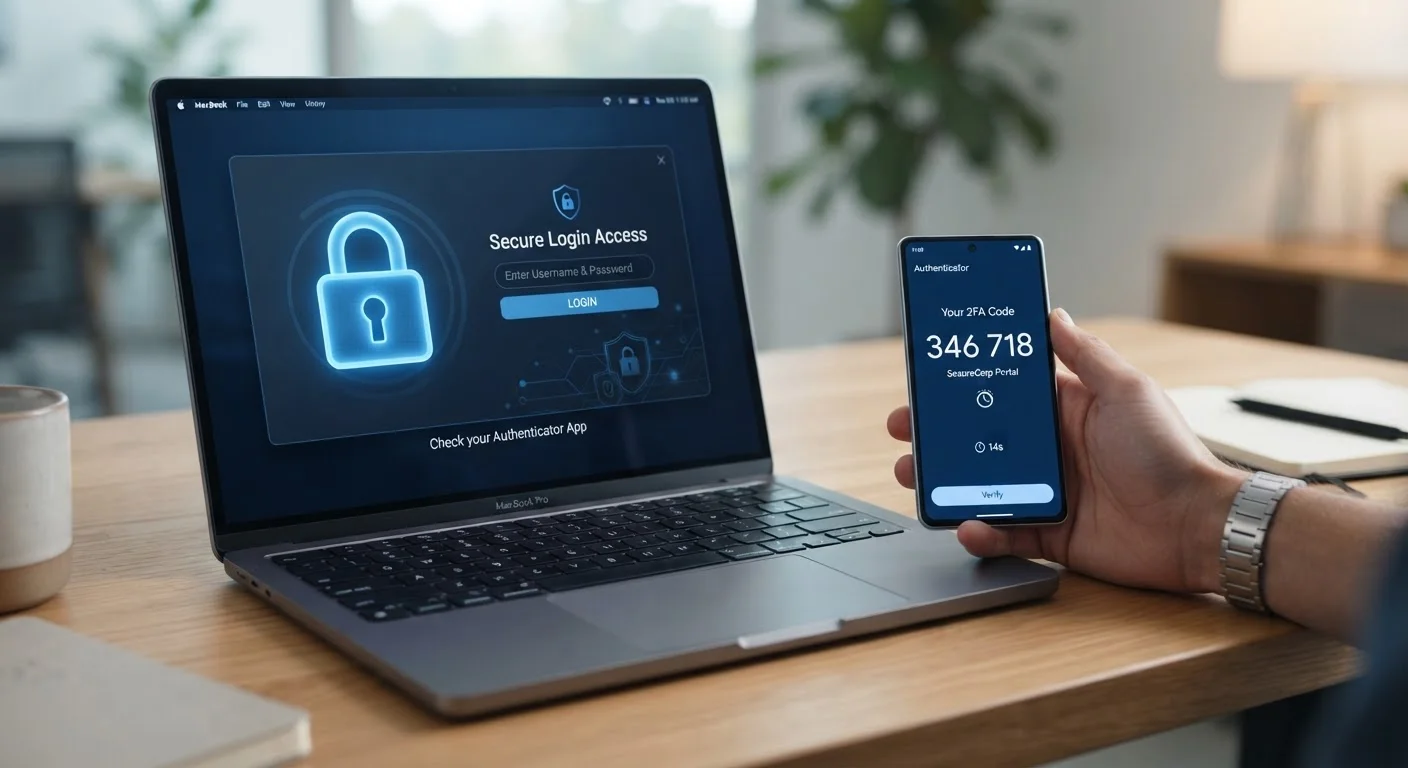
Enable two-factor authentication (2FA) on every retail account that offers it.
2FA requires a second verification step - typically a code sent to your phone or generated by an authenticator app - before a login completes. Even if an attacker has your correct password, they cannot access the account without that second factor.
Audit and remove saved payment methods and addresses you no longer use.
Every saved card or shipping address widens the potential damage of an account takeover. Keeping only what you actively need reduces what a fraudster can exploit if they get in.
Treat unsolicited order confirmation or shipping emails with skepticism before clicking.
Phishing emails mimicking retailer notifications are a leading way attackers harvest login credentials. A convincing fake email prompts you to click a link and 'verify' your account - sending your credentials directly to the attacker.
Revoke third-party app access that you no longer actively use.
Many shoppers connect price-tracking tools, browser extensions, or loyalty apps to their retail accounts. Each connection is a potential access point. Apps you no longer use represent risk with no ongoing benefit.
Monitor your account activity and email inbox for unexpected order confirmations.
Fraudsters who take over an account typically act quickly. An unexpected order confirmation sent to your email is often the earliest signal that someone else is using your account. Catching it fast limits potential charges and simplifies the dispute process.
Core Protective Practices
The practices below address the most common attack paths. None requires technical expertise - each is a concrete, repeatable habit.
80%+
Of breaches involving stolen credentials
Verizon's Data Breach Investigations Report has consistently found that the majority of hacking-related breaches involve the use of lost or stolen credentials.
15 billion
Stolen credentials circulating online
Security researchers have estimated that billions of username-and-password combinations from previous breaches are actively traded and tested in credential stuffing attacks.
Quick-Start Actions You Can Take Today
If you're short on time, prioritize the highest-impact changes first. Even implementing one or two of the following significantly narrows your exposure.
Once your core accounts are secured, extend the same habits to any marketplace or subscription service where a saved payment method is stored. For a step-by-step pre-purchase routine, see our pre-purchase security checklist. And for the full picture on staying safe from checkout through delivery, the Safe Online Shopping end-to-end reference covers dispute rights, fraud signals, and more.
This article is for general informational purposes only. It does not constitute legal, financial, or cybersecurity advice. For concerns about active fraud or identity theft, contact your financial institution and relevant authorities promptly.