
Why Public Wi-Fi Creates a Different Risk Environment
When you connect to a private home or office network, you have some control over who else is on it. Public Wi-Fi - at airports, coffee shops, hotels, and libraries - offers no such assurance. Any device connected to the same open network can potentially observe the traffic of other devices on it, depending on how the network is configured.
This matters for shopping because a typical checkout session involves entering payment card numbers, billing addresses, and login credentials. If any of that data travels without proper encryption, it becomes readable to anyone running basic network-sniffing tools nearby.
It's worth noting that the threat isn't purely theoretical. Security researchers have repeatedly demonstrated how easy it is to capture unencrypted traffic on open networks using freely available software. The skill barrier is lower than most people assume. That said, the risk varies considerably based on how the site you're visiting handles encryption - more on that below.
Mobile Data Is Generally a Safer Alternative
If your cellular plan allows it, switching your phone to its mobile data connection (LTE or 5G) and using your phone as a personal hotspot for your laptop eliminates the public network risk entirely. Cellular connections are individually encrypted between your device and the carrier's infrastructure, making the passive interception attacks described here impractical. This isn't always an option - data caps and coverage vary - but it's worth considering for transactions involving payment details.
What HTTPS Actually Protects - and What It Doesn't
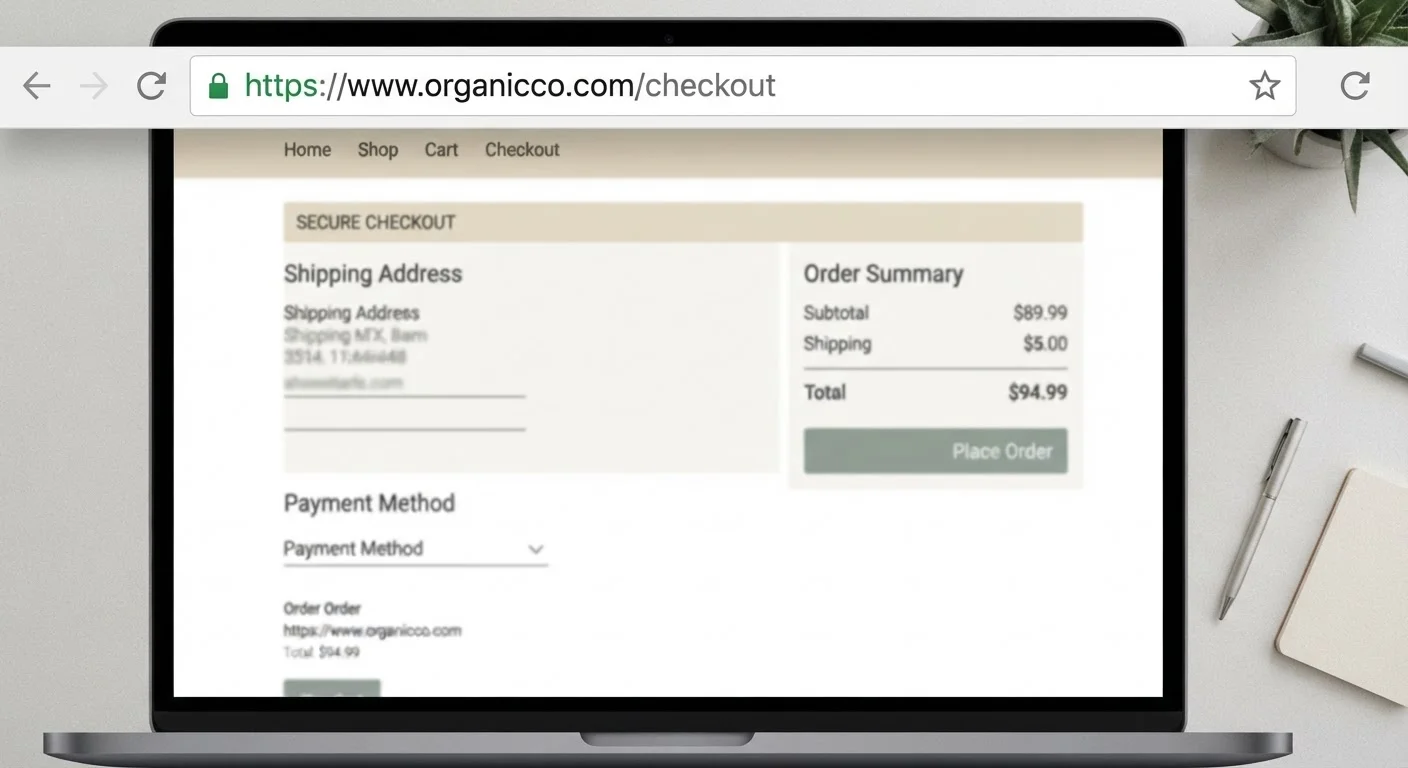
Most reputable shopping sites now use HTTPS, which encrypts the connection between your browser and the site's server. This means that even if someone on the same network intercepts your traffic, the data they capture appears as scrambled ciphertext rather than readable card numbers or passwords.
So does HTTPS make public Wi-Fi safe for shopping? Partially - but not completely. HTTPS tells you that your connection is encrypted, not that the site itself is trustworthy or that your entire session is protected from every angle.
Threats that HTTPS doesn't fully address include:
- Evil twin attacks: An attacker sets up a fake hotspot with a name like "CoffeeShop_Free_WiFi" that mirrors a legitimate one. Your device connects, and all your traffic routes through the attacker's equipment - including HTTPS sessions, if they manipulate SSL certificates or if you click through certificate warnings.
- Session hijacking: Some older or poorly configured sites issue session cookies without full encryption, which can be captured and replayed to impersonate your logged-in session.
- DNS spoofing: On a compromised network, the system that translates web addresses into server locations can be manipulated to redirect you to a convincing fake site before your browser notices anything is wrong.
Convenient access to accounts and orders anywhere
Public Wi-Fi lets you check order confirmations, track deliveries, or handle time-sensitive returns without waiting to reach a private network.
HTTPS provides a meaningful baseline of protection
Most major retailers enforce HTTPS across their entire site, which encrypts your payment and login data in transit even on open networks.
Digital wallets reduce card data exposure
Payment methods like digital wallets use tokenization, meaning your actual card number is never transmitted - limiting what an attacker could capture even if they intercept traffic.
Low-stakes browsing carries minimal practical risk
Browsing products, reading reviews, or comparing prices on public Wi-Fi exposes no payment data and poses little real-world danger to your finances.
The Real Advantages of Shopping on the Go
It's fair to acknowledge why people shop on public Wi-Fi in the first place - the convenience is real and, for many transactions, the actual risk level is manageable.
Evil twin hotspots mimic legitimate networks convincingly
Attackers can create fake hotspots with plausible names in high-traffic locations. Once connected, all your traffic - including shopping sessions - passes through their equipment.
Network-level attacks can bypass HTTPS in some scenarios
DNS spoofing and SSL stripping techniques can, under certain conditions, redirect or downgrade encrypted connections before your browser detects a problem.
Session cookies may be intercepted on older or poorly configured sites
Not every site issues session tokens with full security flags. A captured cookie can allow an attacker to hijack your logged-in shopping session without needing your password.
Credential exposure risk is higher than on private networks
Entering usernames and passwords on any site - even an HTTPS one - on a network you don't control carries meaningfully more risk than doing so at home.
Free VPNs may create new privacy risks
Many no-cost VPN services generate revenue by logging and selling user browsing data, potentially making your privacy situation worse rather than better.
For low-risk actions - checking order status, browsing products, reading reviews - public Wi-Fi poses minimal practical danger. No payment data changes hands, and the worst a snooper learns is what you're considering buying.
Even for purchases, if you're using a well-known retailer with enforced HTTPS and you're paying through a digital wallet that doesn't expose your actual card number to the merchant, your exposure is meaningfully lower. Payment methods carry different protections, and choosing one that tokenizes your card data adds a layer of insulation even on imperfect networks.
Practical Steps to Reduce Your Exposure
If you do need to shop or manage accounts on public Wi-Fi, these measures meaningfully reduce your risk:
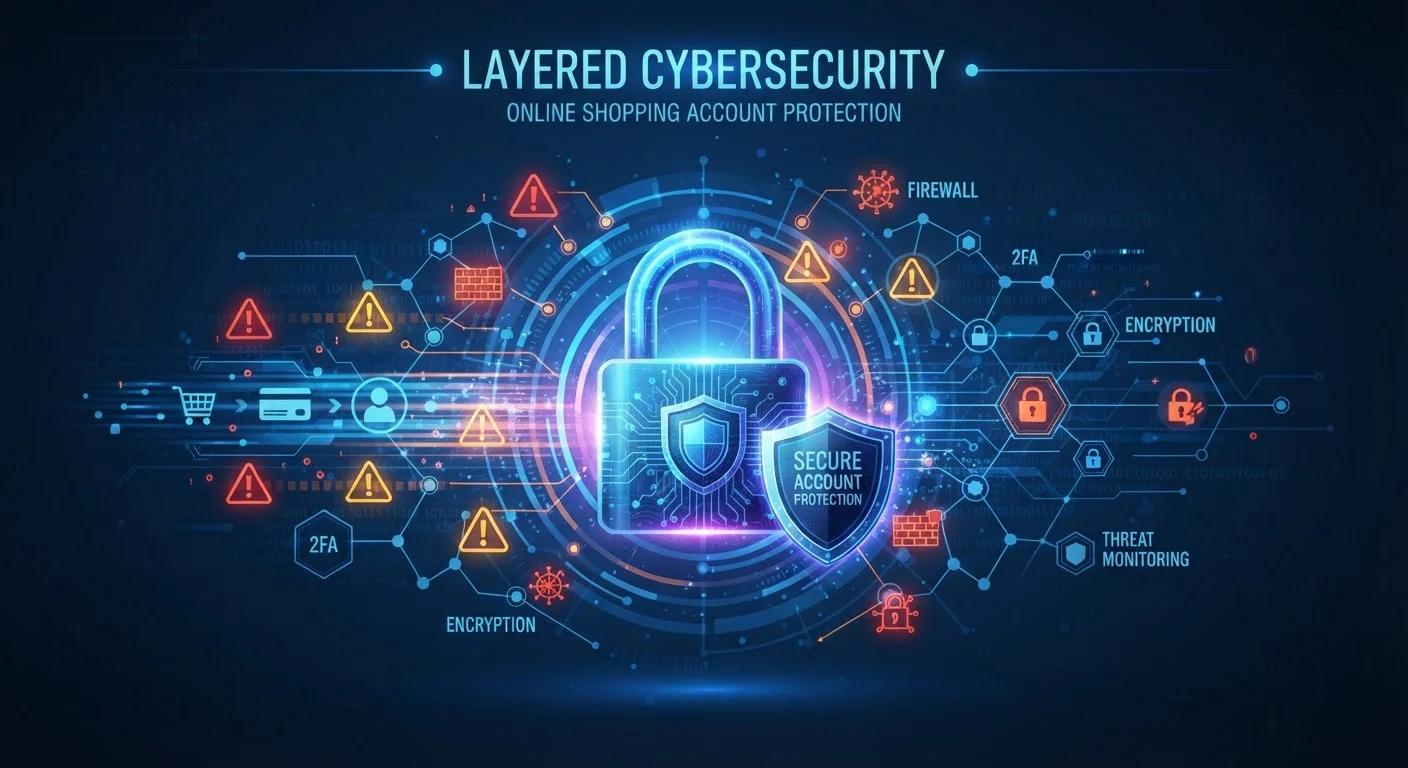
- Use a VPN (Virtual Private Network). A reputable VPN encrypts all traffic leaving your device before it touches the public network, making interception far more difficult. Choose a paid, established service with a clear privacy policy - free VPNs often have monetization models that involve your data.
- Verify the network name with staff. Before connecting, confirm the exact hotspot name with an employee. This reduces the chance of connecting to an evil twin.
- Avoid saving new payment methods during a session. If you're completing a purchase, use a method already on file or a single-use virtual card number if your bank offers one.
- Enable two-factor authentication on retail accounts. Even if a password is captured, 2FA makes unauthorized access significantly harder. Passwords alone aren't enough to protect shopping accounts.
- Watch for certificate warnings. If your browser warns that a site's security certificate is invalid or untrusted, do not proceed. This is a meaningful signal that something is wrong with the connection.
~25%
Public hotspots without any encryption
A Kaspersky analysis of global Wi-Fi hotspot data found roughly one in four public hotspots operate without encryption, leaving traffic visible to anyone on the same network.
1 in 3
Users who have used public Wi-Fi for financial tasks
Consumer surveys consistently find that a significant share of Americans have checked bank accounts or made purchases while connected to public Wi-Fi, often without additional precautions.
For a broader picture of how these risks fit into the wider landscape of online shopping safety, the end-to-end safe online shopping reference covers payment security, fraud warning signs, and dispute rights in one place.