
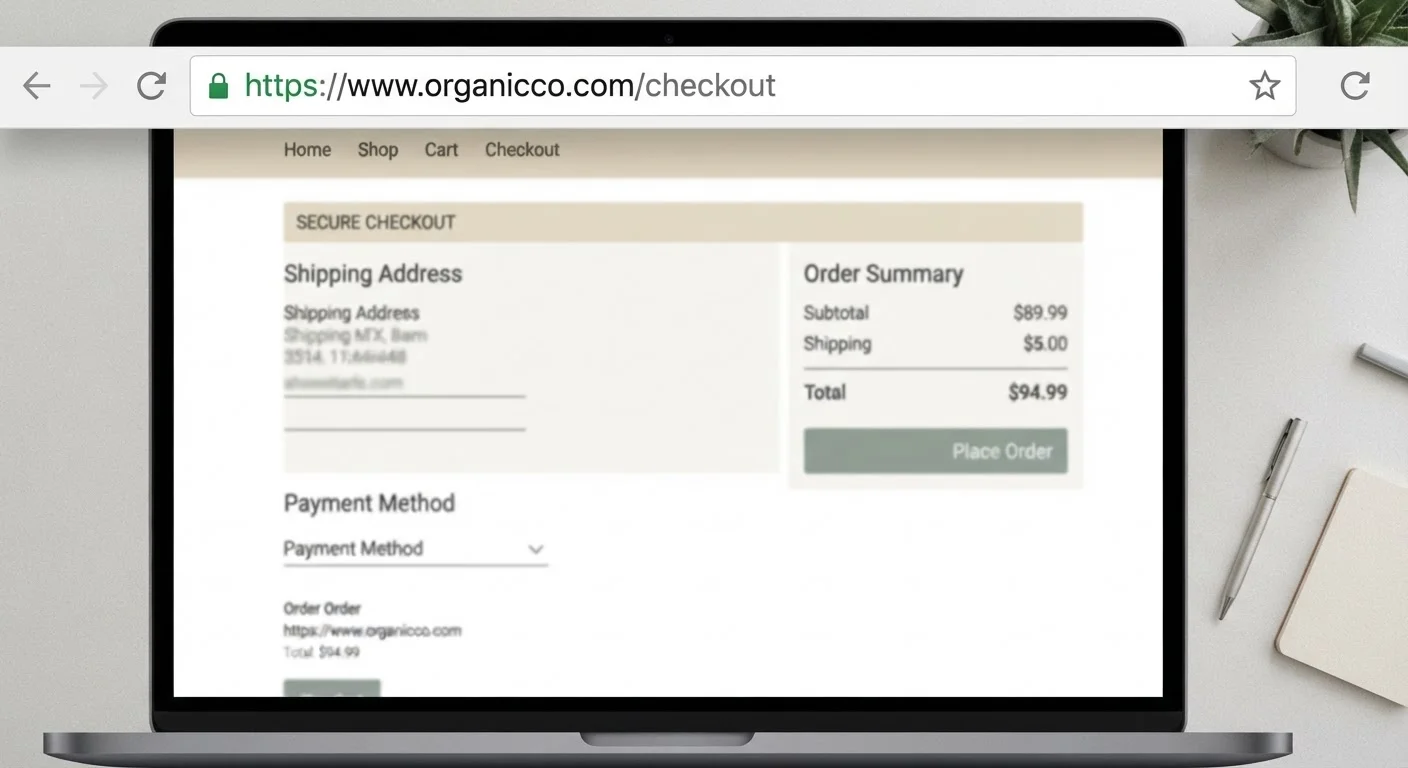
What HTTPS Actually Does
When you visit a site with HTTPS in its address, your browser and that site's server establish an encrypted connection using a protocol called TLS. This encryption protects data moving between your device and the server - meaning a third party monitoring your network connection cannot easily read your password or card number in transit.
That's a genuinely useful protection, particularly when you're shopping on a shared or public network. For more on that specific risk, see what can actually go wrong on public Wi-Fi.
But encryption only addresses one narrow threat: interception. It says nothing about what the site does with your data once it arrives, who operates the site, or whether the site is honest. Understanding that gap is the key to reading the padlock correctly.
Myth
If a site has a padlock icon, it's safe to enter my payment details.
Fact
The padlock confirms your connection is encrypted, not that the site is legitimate or honest.
Encryption protects data in motion - it cannot verify who is receiving that data. A scam site with a valid HTTPS certificate still receives your card number in full once you submit it. The padlock is a transport-layer guarantee, not a business-legitimacy guarantee.
Myth
Only established, reputable websites can get an HTTPS certificate.
Fact
Free, automated certificates are available to anyone who controls a domain - including operators of fraudulent sites.
Certificate authorities issue the most common type of certificate (Domain Validation, or DV) based solely on proof that an applicant controls the domain. No identity check, no business verification. A scammer who registered a lookalike domain an hour ago can have a valid padlock immediately.
Myth
HTTP sites are dangerous and HTTPS sites are safe - it's a binary.
Fact
HTTPS reduces one specific risk (interception); many other risks exist independently of the protocol used.
The threats most shoppers encounter - fake stores, counterfeit goods, non-delivery fraud, phishing - operate at the application layer, not the transport layer. HTTPS doesn't prevent any of them. An HTTP site run by an honest seller may carry lower actual risk than an HTTPS site run by a fraudster.
Myth
All HTTPS certificates are equivalent - a padlock is a padlock.
Fact
Certificate types differ significantly in how much identity verification they require.
Domain Validation (DV) certificates confirm only domain control. Organization Validation (OV) adds basic business verification. Extended Validation (EV) requires the most rigorous vetting and historically displayed the company name in the browser bar, though modern browsers have reduced that visual signal. Most sites - legitimate and fraudulent alike - use DV certificates, so certificate type alone is not a reliable differentiator for everyday shoppers.
Myth
If data I submit is encrypted, the site can't misuse it.
Fact
Encryption protects data in transit only; once received by the server, the site operator can use it however they choose.
Encryption is a channel-security measure. The server at the other end decrypts what you send the moment it arrives. A fraudulent operator receives your payment details in plain text on their end. Whether they store, sell, or misuse that data has nothing to do with HTTPS.
What HTTPS Cannot Tell You
The common shorthand - "look for the padlock before you buy" - was reasonable advice when HTTPS required meaningful effort to obtain. That's no longer the case. Free, automated certificates from services like Let's Encrypt have made HTTPS trivially easy to add to any site, including fraudulent ones. Security researchers and consumer-protection agencies have documented that a substantial share of phishing pages now use HTTPS.
The Padlock Has Been Weaponized by Scammers
Consumer education campaigns historically told shoppers to look for the padlock as a trust signal. Fraudulent site operators adapted quickly and now routinely obtain valid HTTPS certificates for phishing and fake-store domains. Relying on the padlock alone as a safety check leaves you exposed to some of the most common online purchase scams in circulation.
This doesn't mean HTTPS is worthless - it means the padlock answers exactly one question: is this connection encrypted? It does not answer: is this a legitimate business? For a structured way to answer that second question, see how to evaluate an unfamiliar online store.
Sites that clone the look of well-known retailers - down to logos, layouts, and product photos - can carry a valid HTTPS padlock. The cues that distinguish them lie elsewhere, and understanding why familiar-looking sites can still be fraudulent is essential reading before checkout.
~82%
Phishing sites using HTTPS
According to the Anti-Phishing Working Group (APWG), the majority of phishing sites observed in recent reporting periods used HTTPS, illustrating that encryption has become standard even among fraudulent sites.
Free
Cost of a basic HTTPS certificate
Domain Validation certificates from automated certificate authorities are available at no cost, removing the financial barrier that once limited HTTPS to established organizations.
Building a More Complete Safety Check
Treating HTTPS as one layer in a broader verification process is the right framing. Other signals that add meaningful confidence include: a domain name that precisely matches the brand (not a slight misspelling or added word), publicly verifiable contact information, a clearly stated return and refund policy, and a checkout flow that routes through a recognized payment processor rather than a direct bank transfer or wire.
Before entering card details anywhere, it's worth running through a structured pre-purchase checklist. Our guide before you enter your card number covers each of these verification steps in sequence.
Encryption Is Not Endorsement
No certificate authority, browser, or government agency endorses the businesses behind HTTPS sites. The padlock is a technical feature of the connection, not a vetting seal. Treating it as a shortcut for trustworthiness is one of the most exploitable misconceptions in online shopping today. Use it as a baseline, not a verdict.
Account security matters too - a safe connection is undermined if your credentials are compromised elsewhere. Why strong passwords alone don't protect your shopping accounts explains why two-factor authentication belongs on every retail account, regardless of how secure the site's connection appears.